
Published at: 2026-01-08 06:00
Export statistics and summaries
The new year is a great time for summaries and memories,
so I finally fine-tuned the data exports ✨
so I finally fine-tuned the data exports ✨
Did you know that there’s something called Statistics in user profile? 😝
It’s a summary of puzzle journey,
so it’s worth marking your completed puzzles properly 😎
so it’s worth marking your completed puzzles properly 😎
In the Completed tab you’ll find all puzzles marked as completed:
📆 divided by years and months
‼️ Only fully completed boxes are shown,
so if you’ve completed only part of a set,
you won’t see those puzzles here.
📆 divided by years and months
‼️ Only fully completed boxes are shown,
so if you’ve completed only part of a set,
you won’t see those puzzles here.
📤 Data export
And now we can move on to exporting the data 👇
And now we can move on to exporting the data 👇
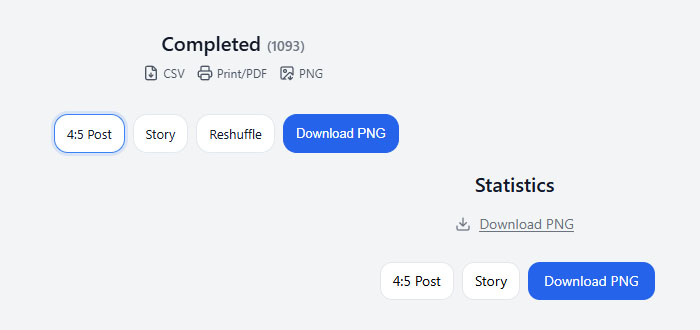
🖼️ Statistics
You can download your statistics in PNG format
– there are 2 sizes available, optimized for social media.
You can download your statistics in PNG format
– there are 2 sizes available, optimized for social media.
🧩 Completed puzzles
You can export your completed puzzles in 3 ways:
You can export your completed puzzles in 3 ways:
- CSV – for those who like tables and spreadsheets
- Print / PDF – for anyone who wants to print their own album
- PNG – images, for example for social media
Psst… remember that you export the current filter,
so you can choose a specific year, or even a specific month 😉
so you can choose a specific year, or even a specific month 😉